> For the complete documentation index, see [llms.txt](https://docs.langstack.com/welcome/llms.txt). Markdown versions of documentation pages are available by appending `.md` to page URLs; this page is available as [Markdown](https://docs.langstack.com/welcome/in-depth-learning/connectors/aws-connector/set-up-aws-s3-connector/access-key.md).
# Access Key
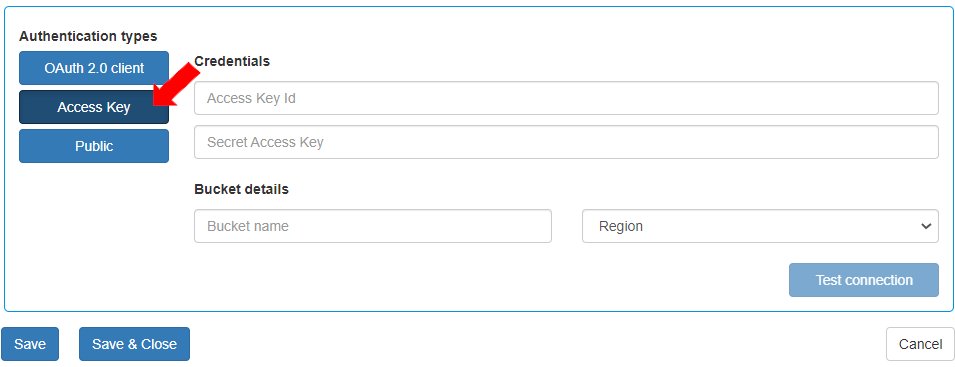
To establish connection through Access Key:
* Enter the credentials generated in AWS Account setup:
1. Access Key id
2. Secret Access Key
* Enter the bucket details and click \[Save]
1. Bucket name
2. Region
{% hint style="info" %}
For steps to retrieve Access Key and Secret Access Key, [click here](https://docs.google.com/document/d/1LQ9-_ydeBS9bxR4lIq_GChsO9OXNhgeF/edit#heading=h.4i7ojhp).
{% endhint %}
* Test the connection by clicking the \[Test connection] button.