> For the complete documentation index, see [llms.txt](https://docs.langstack.com/welcome/llms.txt). Markdown versions of documentation pages are available by appending `.md` to page URLs; this page is available as [Markdown](https://docs.langstack.com/welcome/get-started/learn-langstack/introduction-to-etl-pipeline/displaying-functions.md).
# Displaying Functions
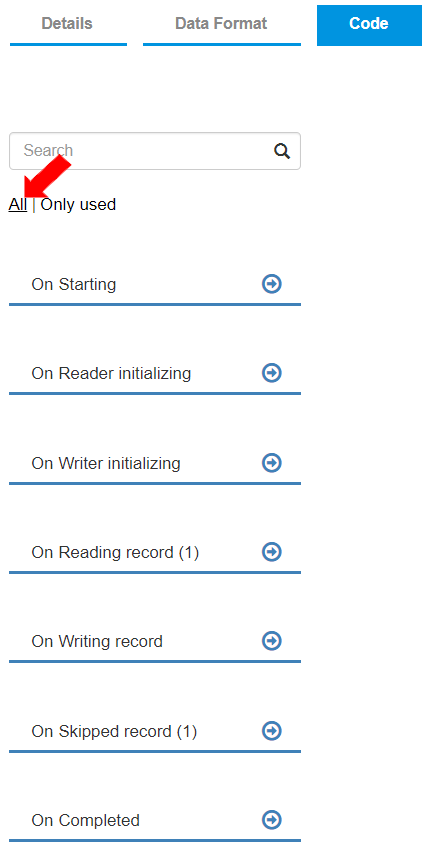
* Users may choose to display all functions or only used functions in the ETL pipeline. The option “All” is default selected to show all the functions.
* To display only the function being used, users can select “Only Used.” For example, two functions, “On Reading record” and "On Skipped record," are used in an ETL pipeline.
* Selecting “All” displays all functions in the “Code” tab.
* Selecting “Only Used” displays only the used functions in the "Code" tab.